

Cat ornament
Moon Cat Ornament
A crescent-moon cat ornament designed for hanging display.
$6.99 CADDigital STL/ZIP · no physical item
Gothic organizers, monster desk pieces and original display models. Download a creator-made design and make it your next print.
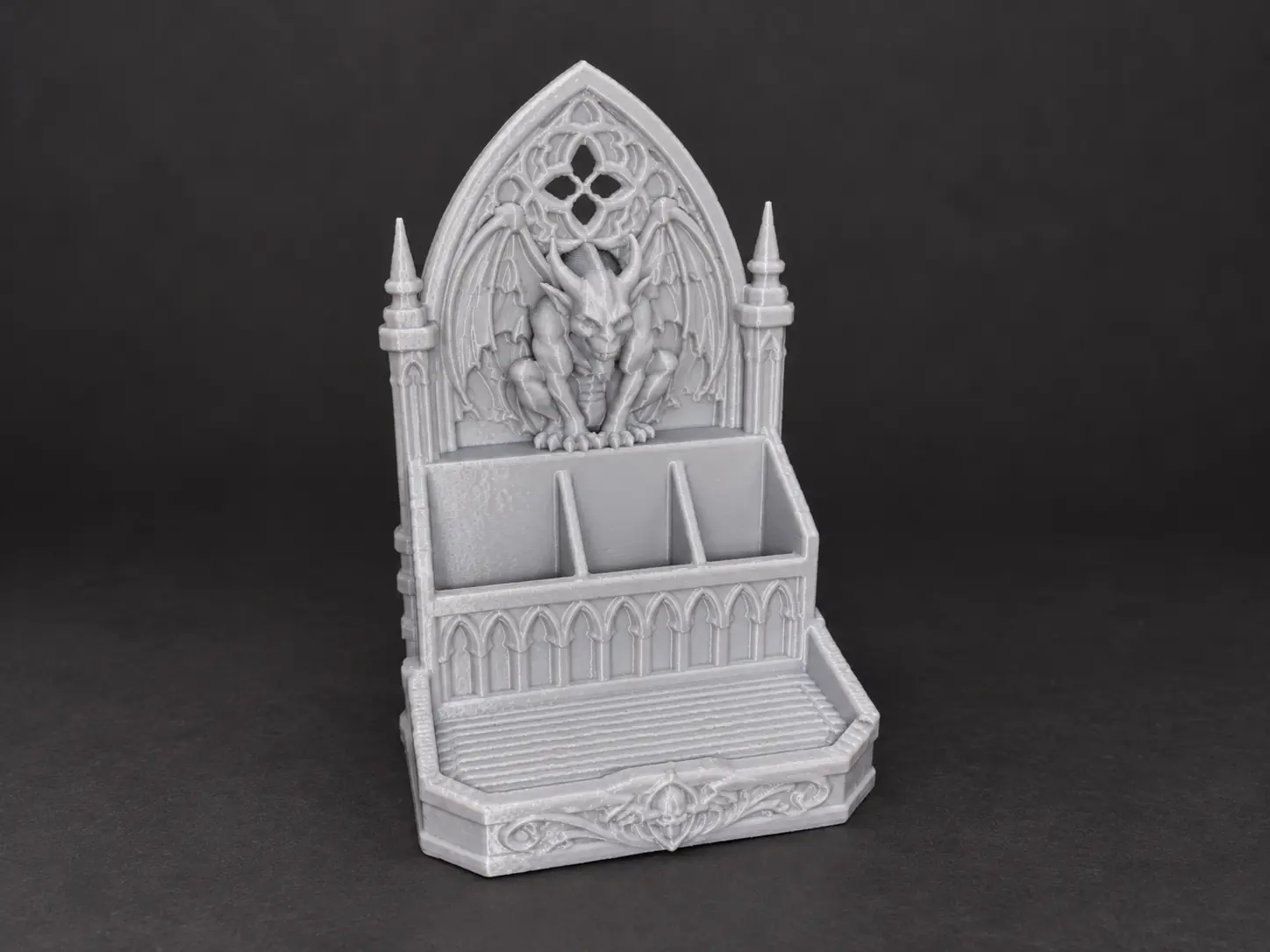 Gargoyle Cathedral Desk Organizer$11.99 CAD · STL file
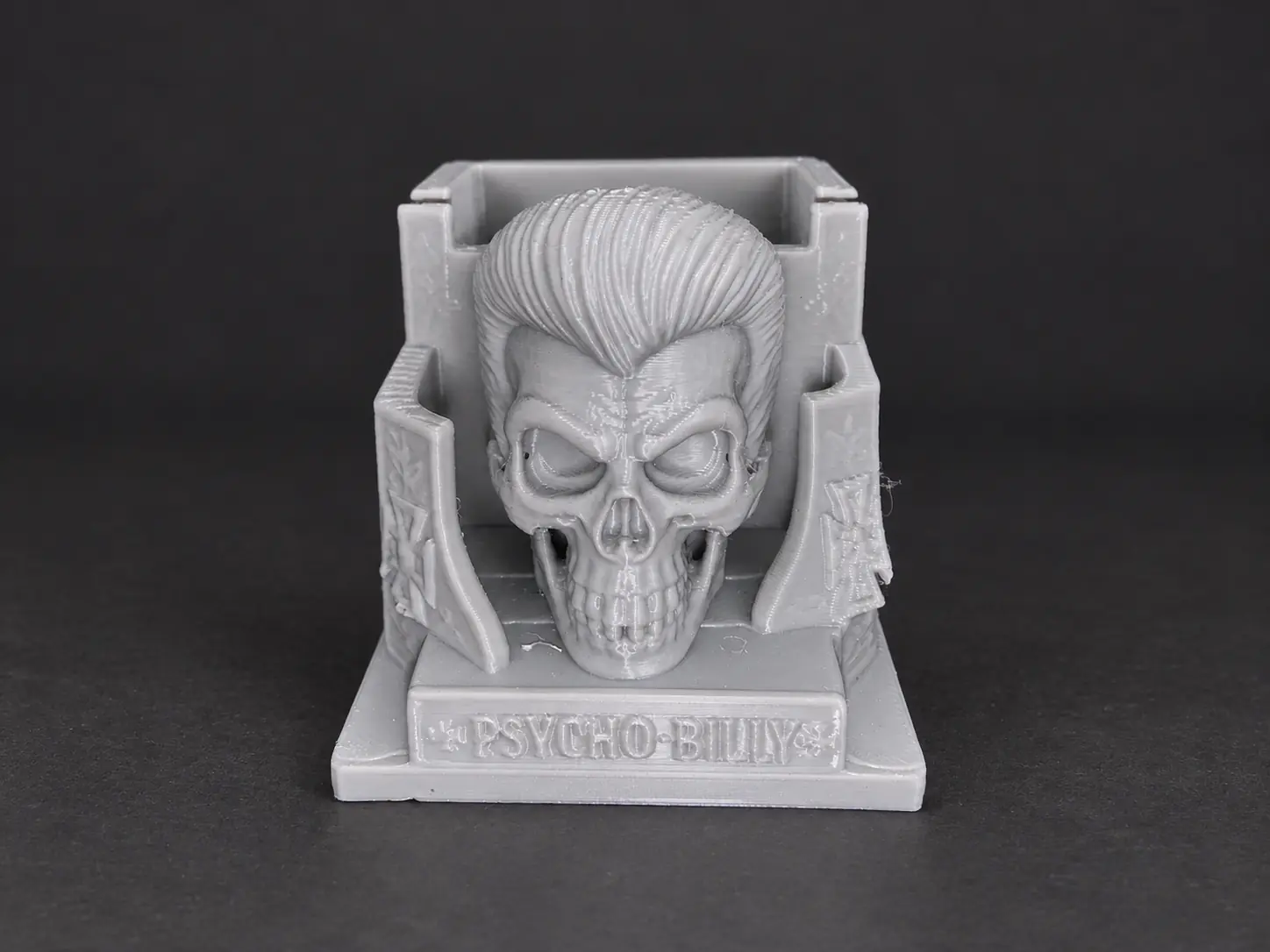 Psycho-Billy Skull Desk Organizer$12.99 CAD · STL file
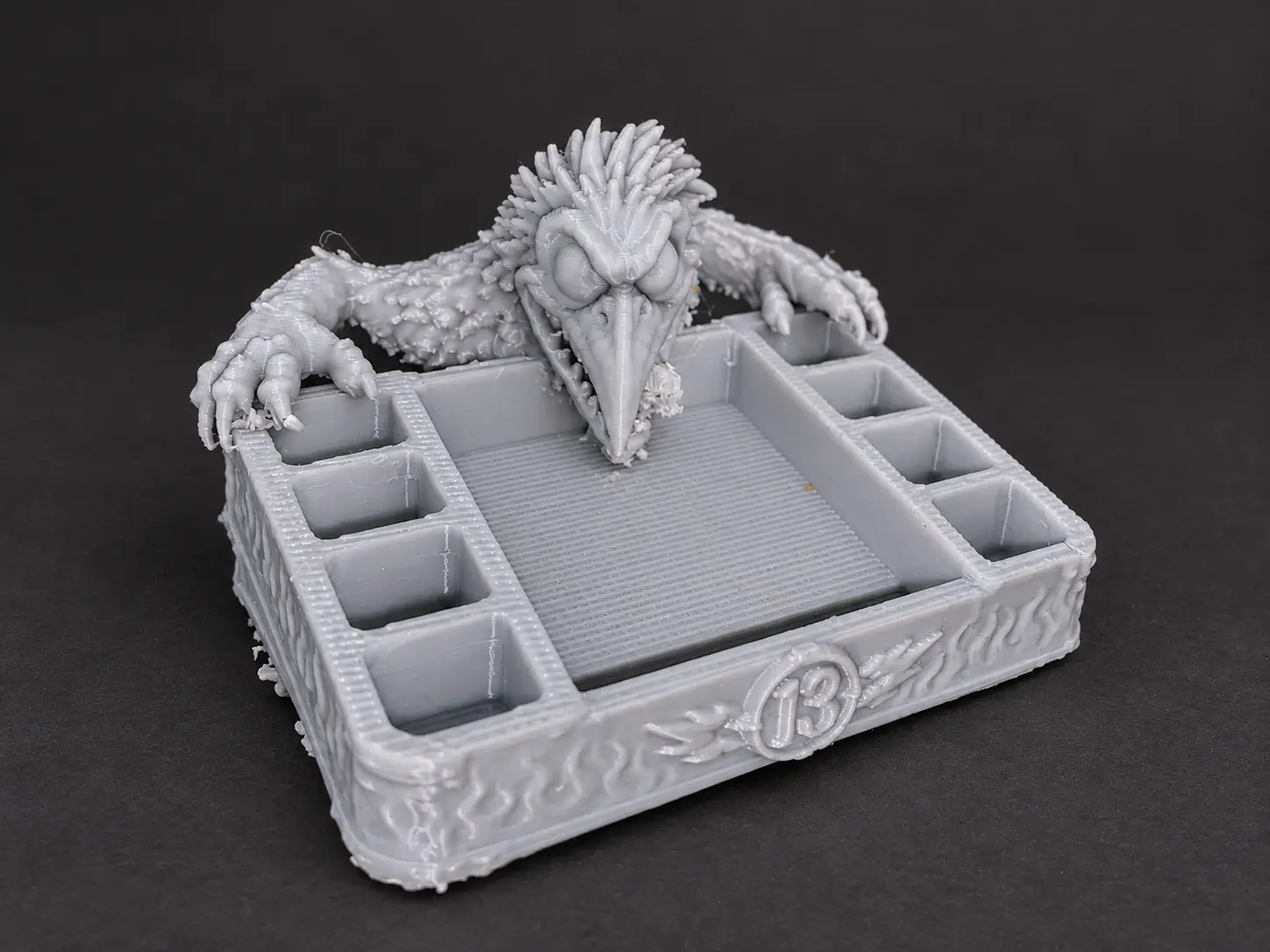 Grotesque Raven 13 Desk Organizer$14.99 CAD · STL file
Actual creator test prints, printed at a reduced scale. Purchases are digital STL files.
Fresh gothic display pieces and functional desk accessories, presented with clean product imagery and direct access to each product page.
A crescent-moon cat ornament designed for hanging display.

A bulldog leash organizer with side hooks and a top opening that feeds poop bags into the lower tray.

A wall-mounted monster-face key rack with three hooks for organizing keys.

A gothic cathedral-window ornament featuring a crescent moon and raised celestial details.

A crescent-shaped hanging ornament with a raised paw motif and celestial details.

A hanging Halloween ornament with a ghost peeking from a pumpkin and sculpted star details.
Enter your email once. Confirm it, open the limited AI Doctor, and follow one symptom-first repair path. No purchase and no password are required for the free result.
Create a free account for sign-in, purchases, wishlists, and creator follows. Paid membership is optional and separate.
Free diagnosis/email tools and a free account are different: you can create the account directly with your name, email, and password.
Every listed product is validated. These selected cards also include separate photographs of actual prints so buyers can distinguish the official product presentation from physical print evidence.
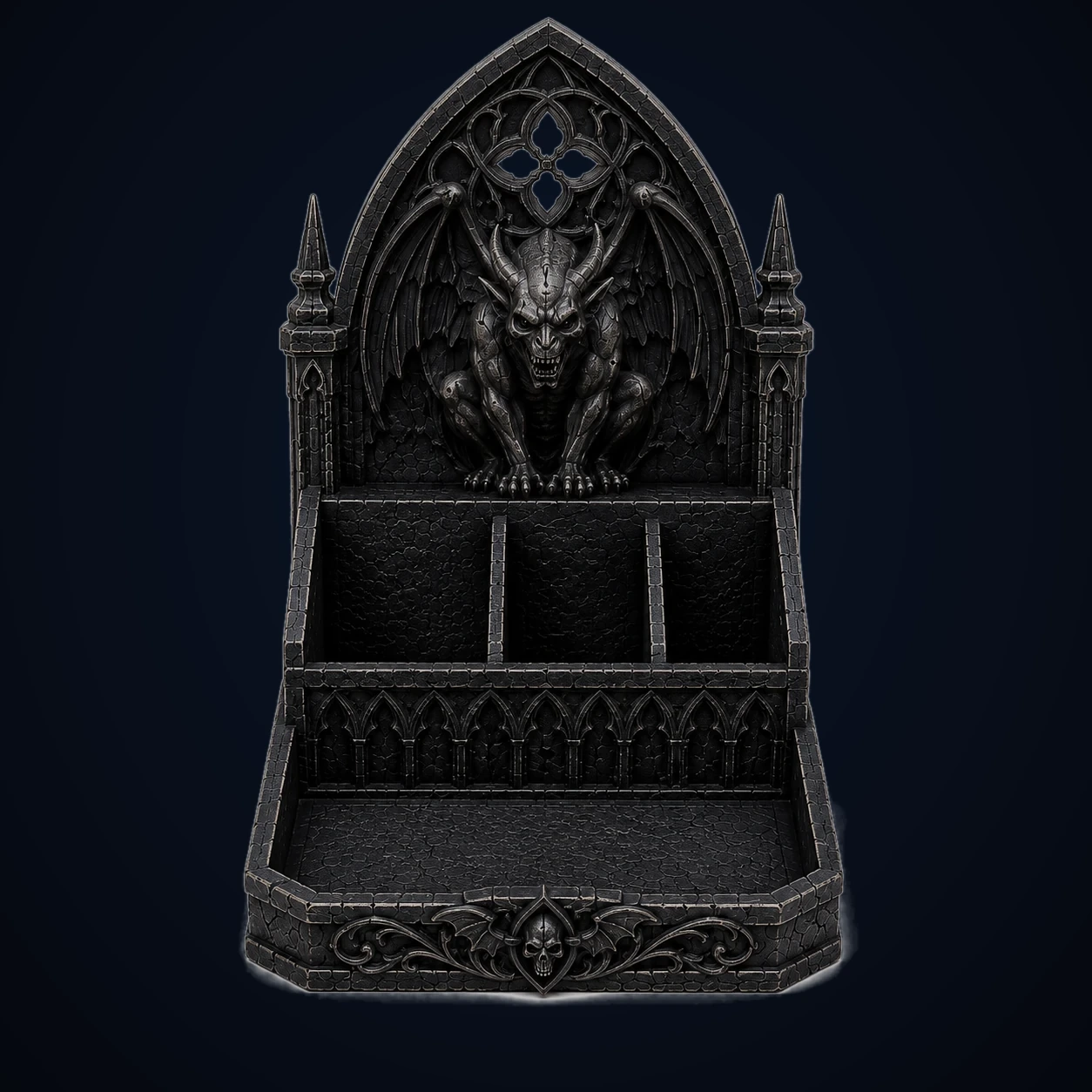
A towering cathedral-style desk organizer with three divided rear compartments, a broad front tray, gothic arches…
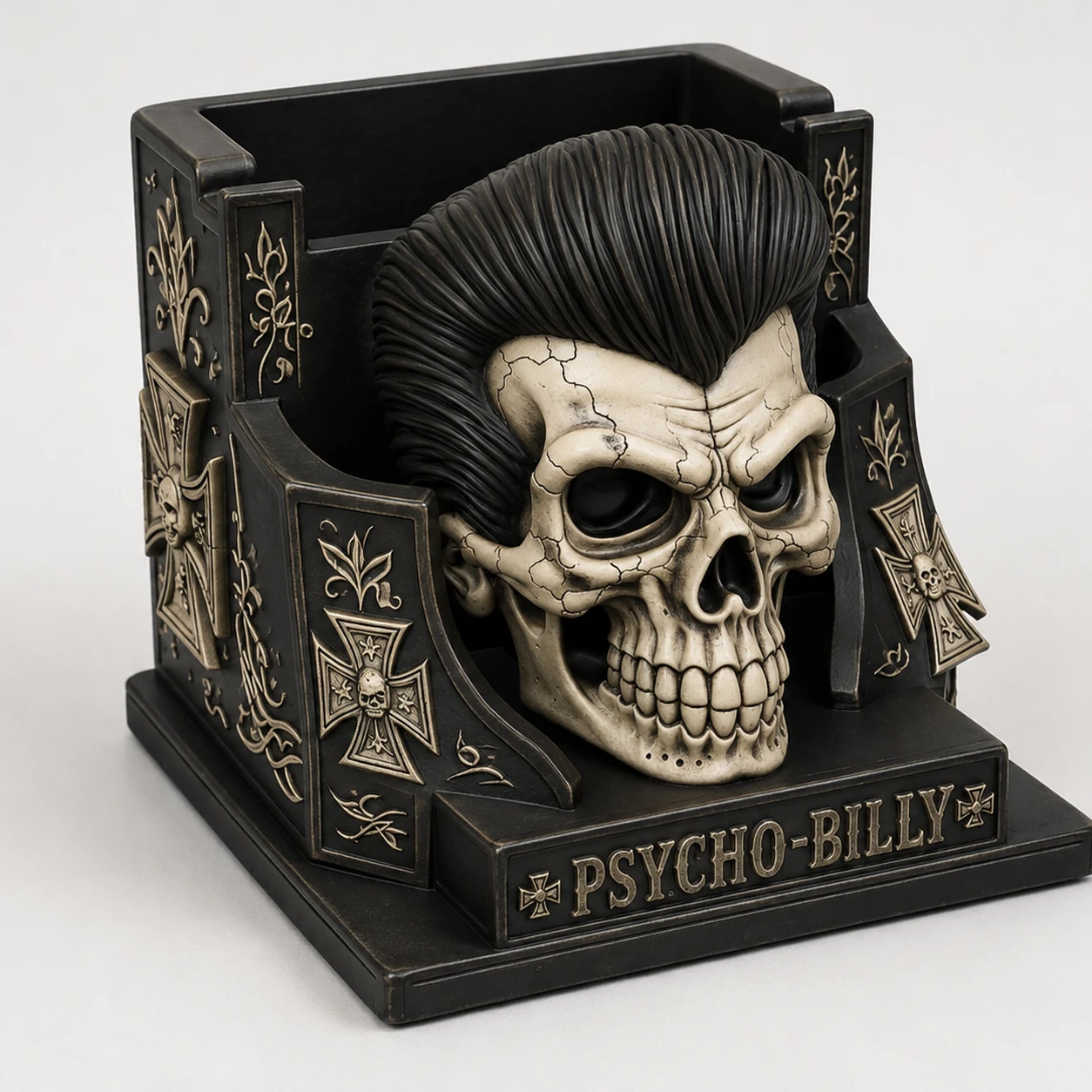
A creator-validated Psycho-Billy skull desk organizer with a deep rear compartment, quick-access side storage…
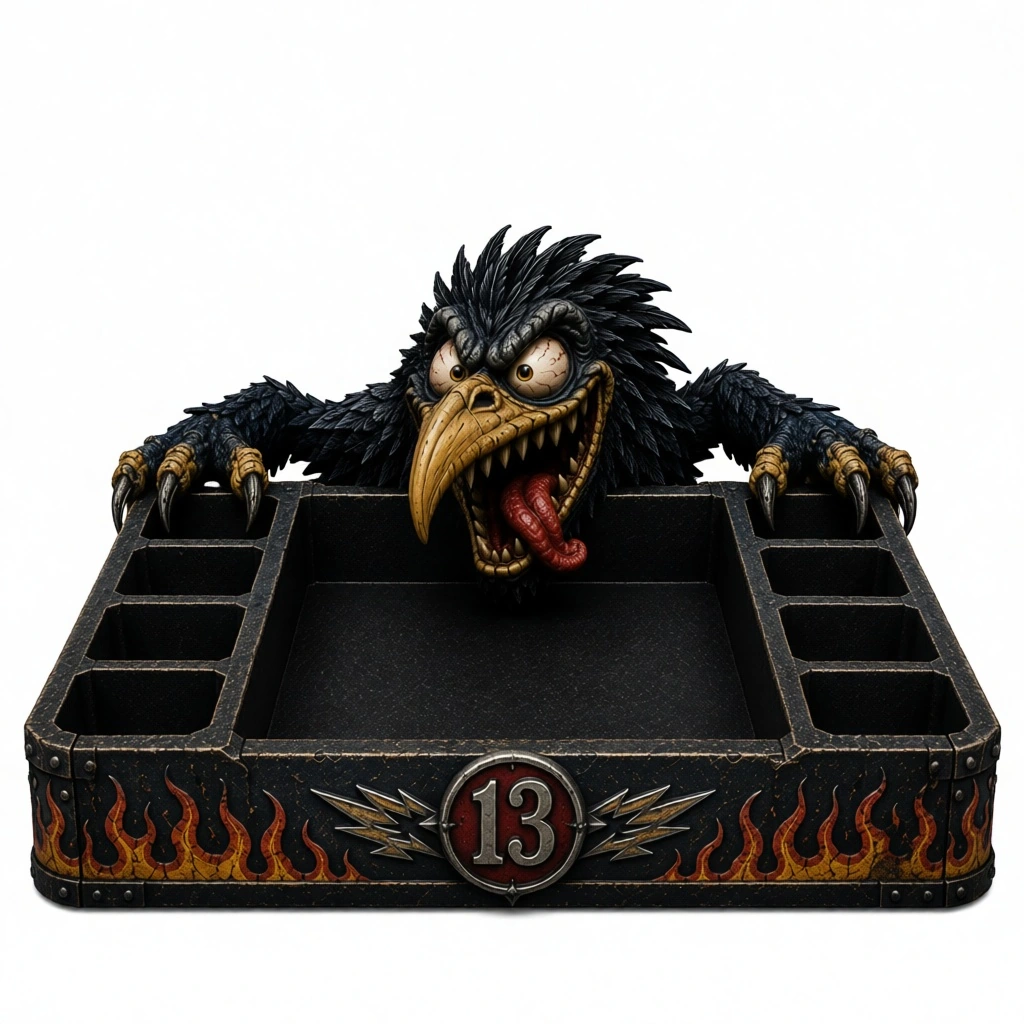
A creator-validated raven monster organizer with a broad center tray, six side compartments, hooked claws, hot-rod…
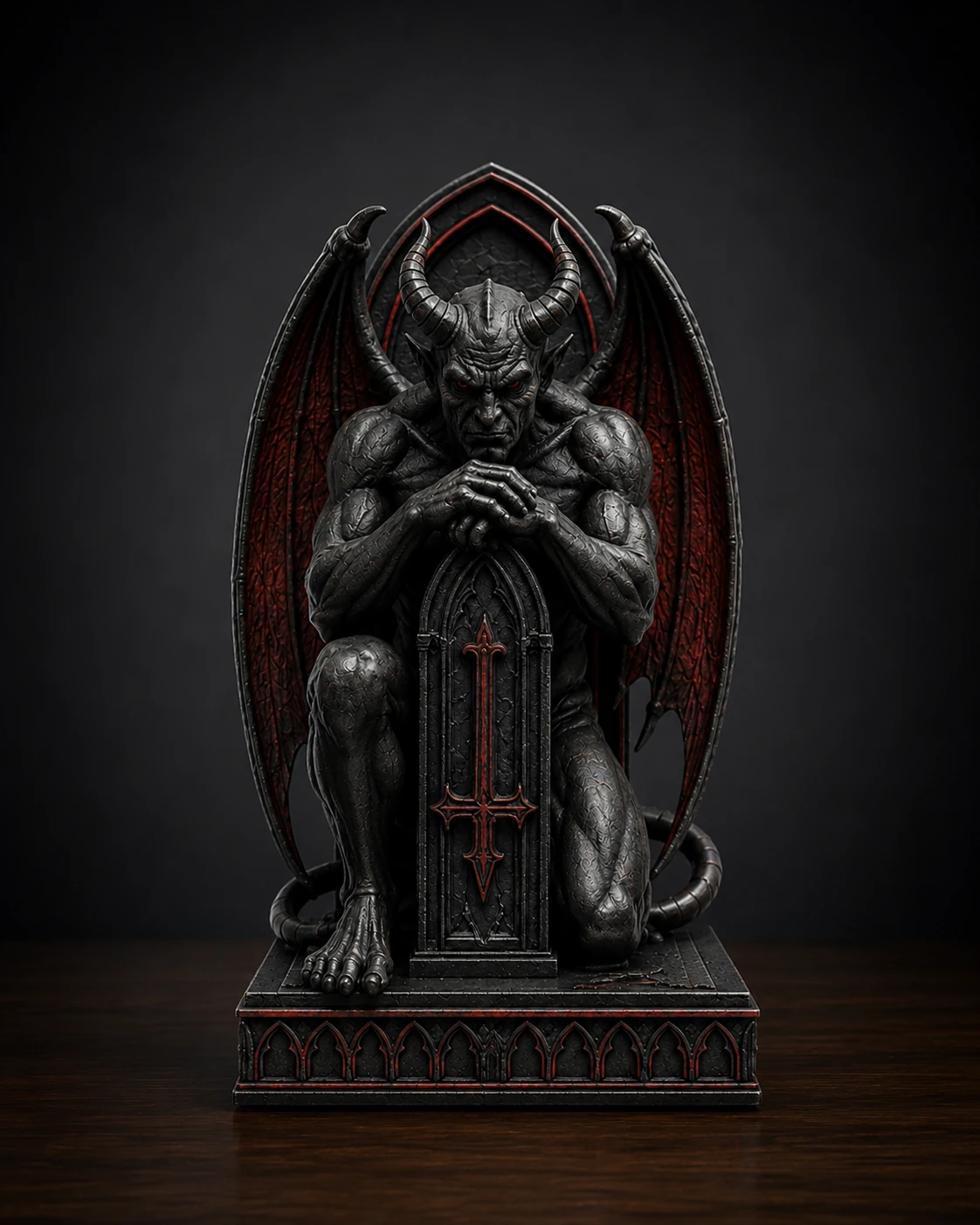
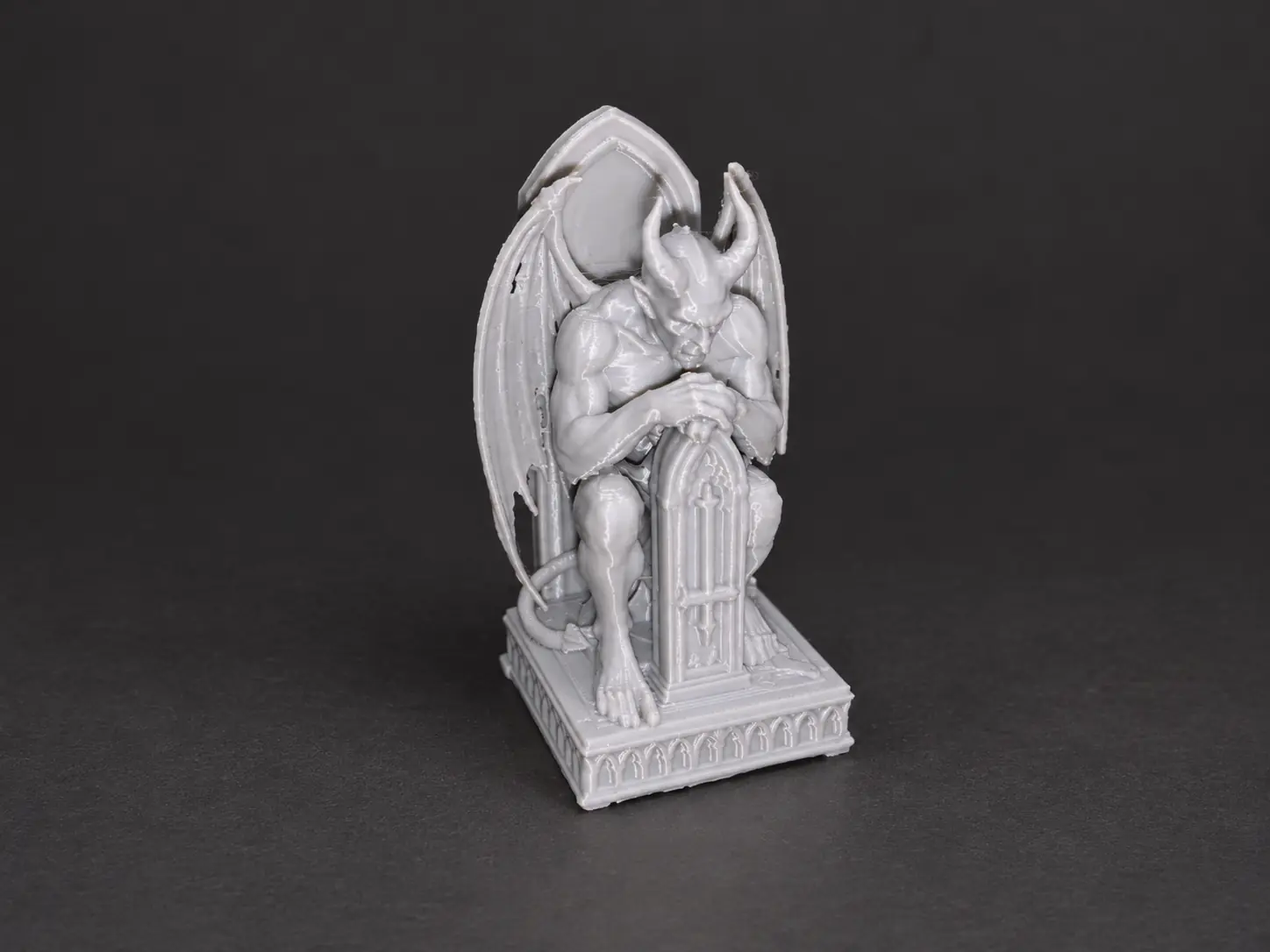
A horned infernal guardian kneels against a cathedral backplate to create a dramatic gothic bookend or shelf display…
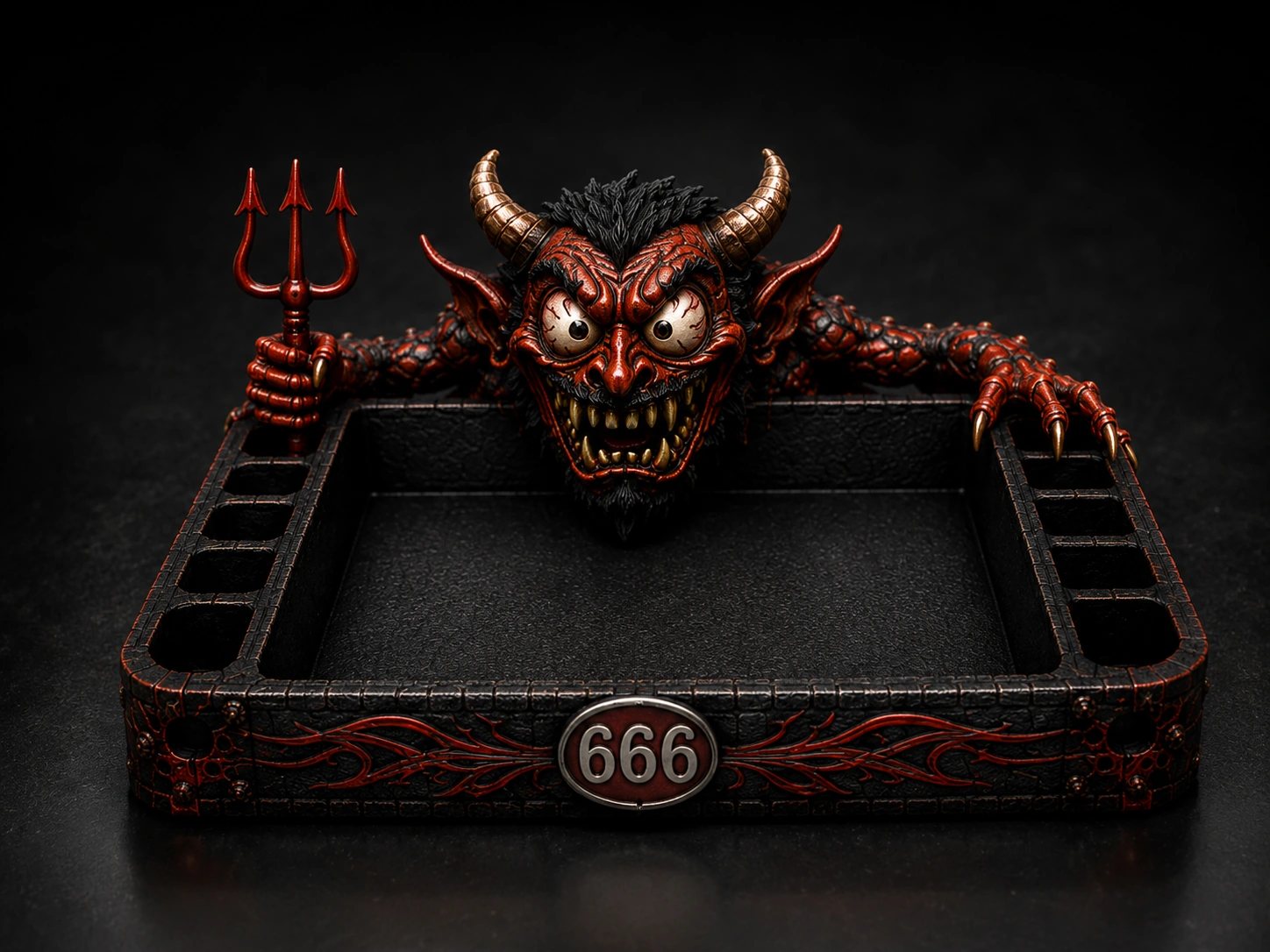
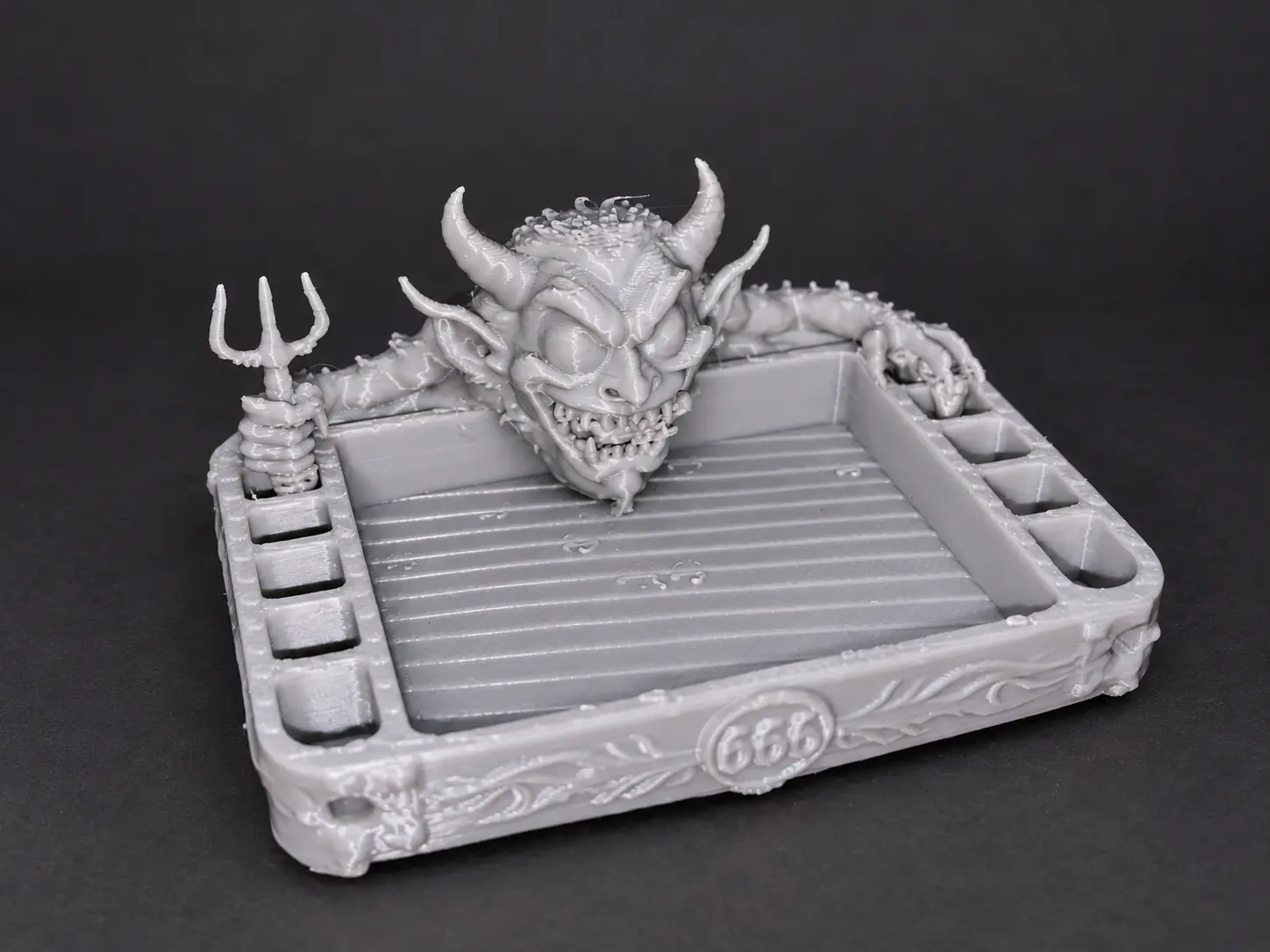
A creator-validated devil monster organizer with a large center tray, six side compartments, horned creature…
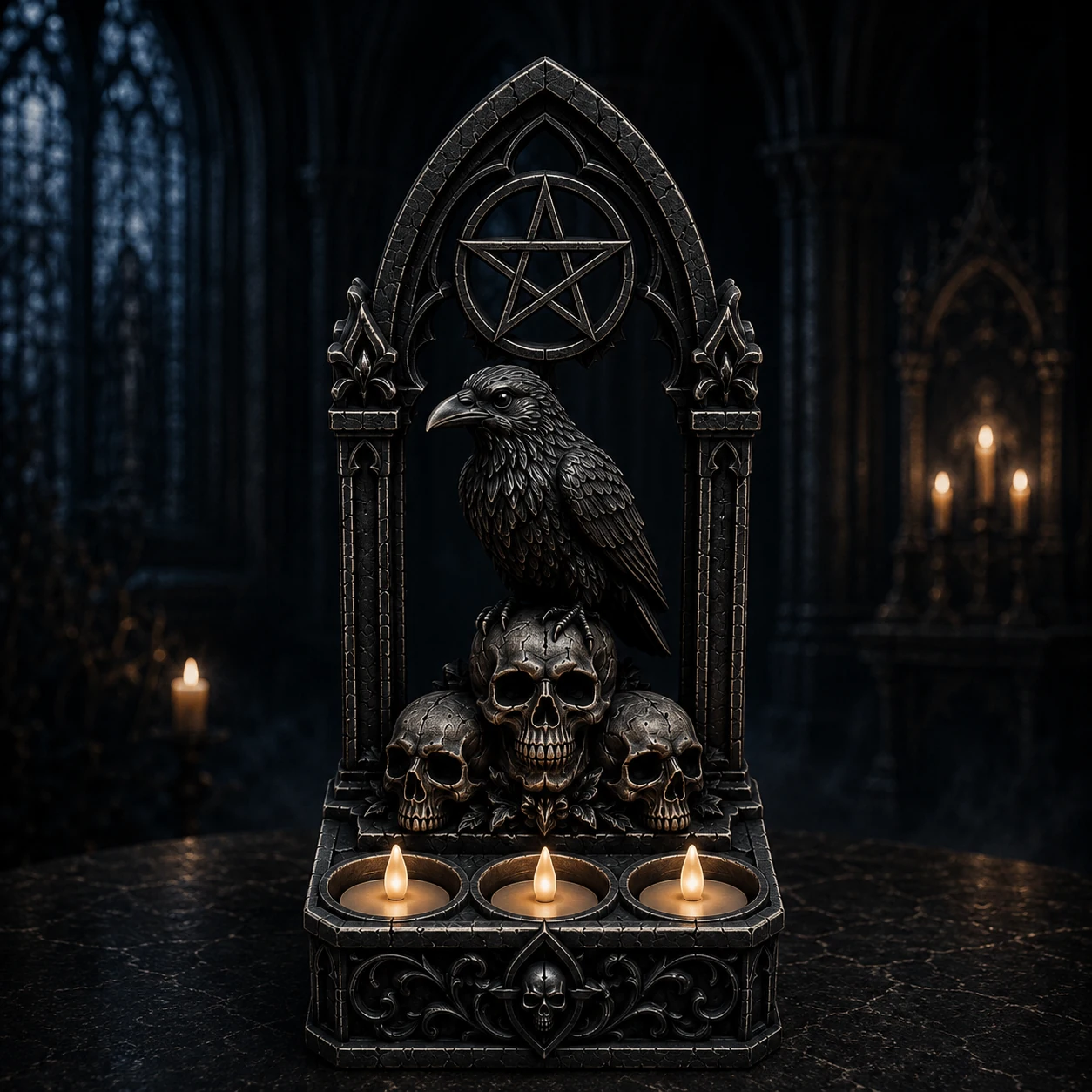
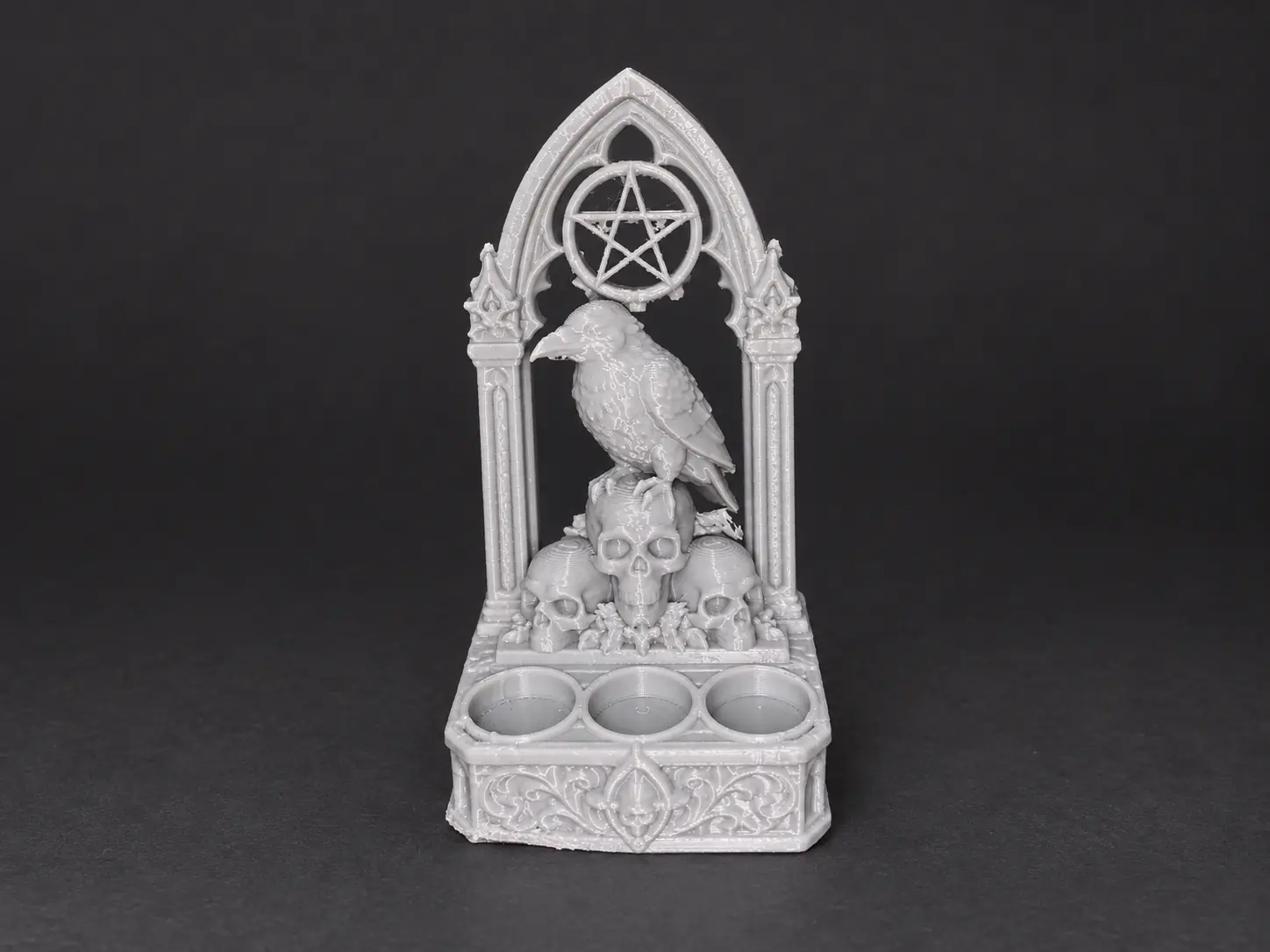
A pointed gothic altar plaque with a raven perched on three skulls, a pentacle arch, three circular offering wells…
Exact bundles keep related products together in one protected purchase and make the savings visible before checkout.

Undead characters, skull-powered vehicles, and the 53-piece street diorama in one coherent drop.
SAVE 20% ON THE COMPLETE WORLD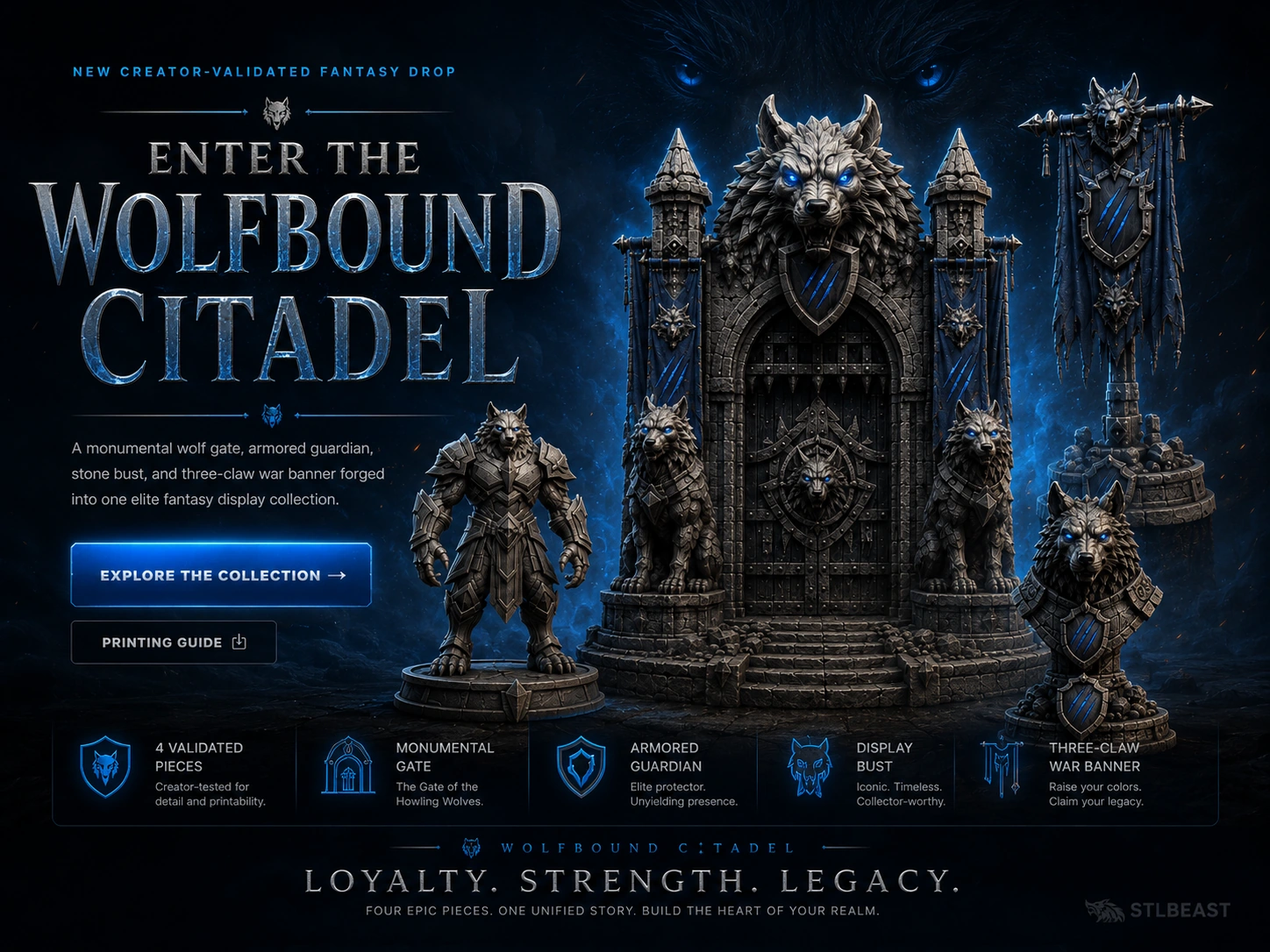
Monumental gate, armored guardians, stone wolf, and war banner designed as one display realm.
SAVE 20% ON THE COMPLETE REALM