
Hub.STLBEAST.com
Fix print problems. Build better.
Hub is the search-traffic side of STLBEAST. It helps makers solve failed prints, slicer settings, materials, calibration, and printer issues — then guides the right visitors into STLBEAST products, Beast Vault, AI Doctor, and commercial license options.
Search Visitor
A maker lands from Google with a real print problem, material question, or slicer setting need.
Start fixing →Helpful Fix
Hub gives a useful first answer before asking them to buy or join.
Read guide →Relevant Tool
AI Doctor preview and related Hub paths appear when the visitor needs deeper help.
Try preview →STLBEAST Next Step
Qualified visitors move to validated products, Beast Vault, or commercial licensing.
Shop products →Popular printing problems
Popular printing problems. Open the right fix.
Visual symptom cards make Hub feel useful before it sells. Each problem opens the fix path, then routes serious makers toward AI Doctor, Beast Vault, validated STL files, or commercial-license options.
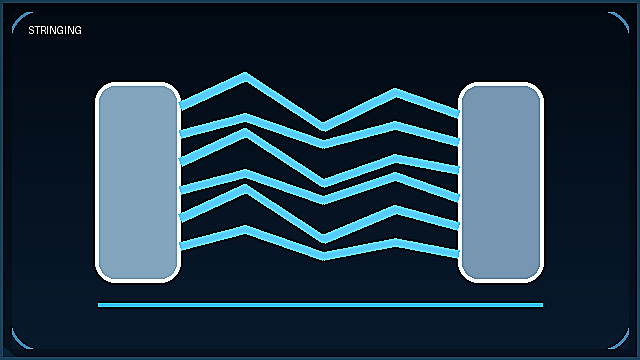 Temperature / retractionStringingThin threads between parts.Fix it →
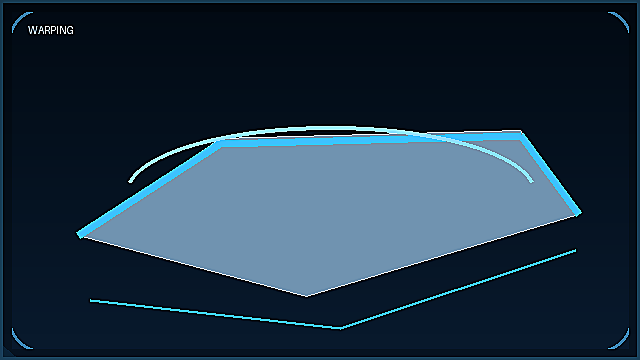 Bed adhesion / coolingWarpingCorners lifting off the bed.Fix it →
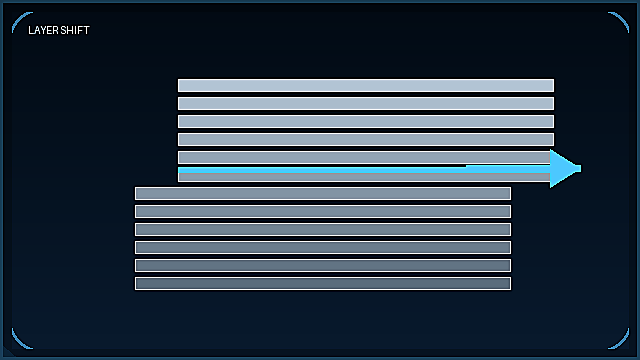 Belts / motion / speedLayer ShiftingLayers misaligned or offset.Fix it →
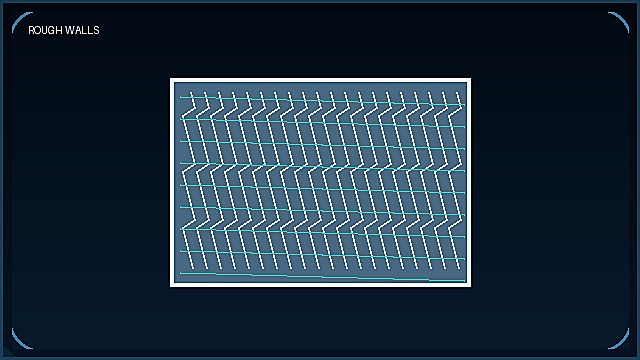 Flow / speed / vibrationRough WallsUneven or bumpy surface finish.Fix it →
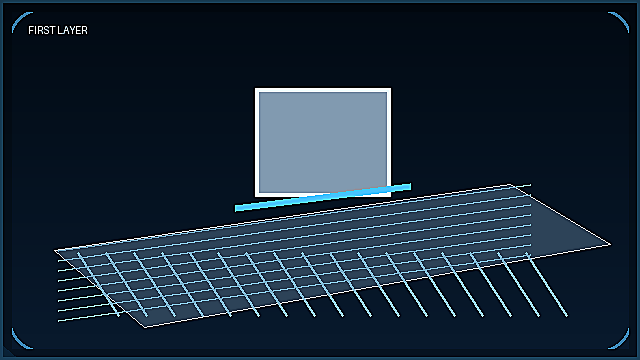 Leveling / Z offsetBad First LayerPoor adhesion or gaps.Fix it →
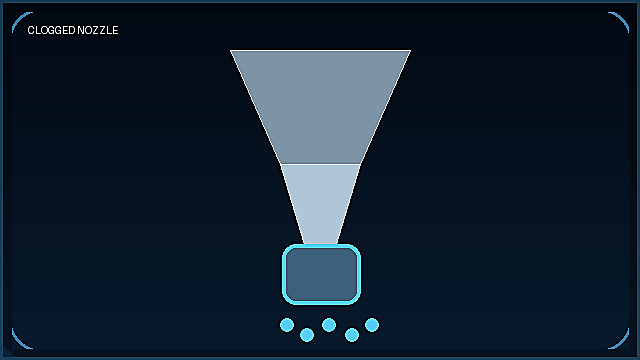 Extrusion / nozzle pathClogged NozzleUnder-extrusion or blockages.Fix it →
Explore Hub categories
Helpful pages that feed STLBEAST.
Each Hub category should rank for search, solve a real problem, and naturally route to products, membership, AI Doctor, or commercial licensing.
Troubleshooting Guides
Failed prints, stringing, warping, clogs, rough walls, supports, and first-layer fixes.
Explore →Slicer Settings
PLA, PETG, supports, walls, infill, speed, temperature, retraction, flow, and profiles.
Explore →Calibration
Bed leveling, Z offset, flow, temperature towers, pressure advance, and first-layer tuning.
Explore →Materials
PLA, PETG, ABS, resin, moisture, drying, storage, adhesion, and temperature behavior.
Explore →Printer Help
Setup, maintenance, firmware, printer-family help, profile tuning, and reliability checks.
Explore →AI Doctor Preview
Public diagnostic preview that points users toward full member support on STLBEAST.
Try preview →AI Doctor Preview
Diagnose first. Upgrade when ready.
Hub can show the value of AI Doctor without giving away the full member benefit.
- Public issue intake
- Basic possible causes
- Clear next-step suggestions
- Full results stay member-focused
Beast Vault Membership
The reason to come back.
Once Hub helps the visitor, Beast Vault becomes the recurring value path.
- Member-only drops
- Full AI Doctor access
- Printer setting/profile support
- Vault bundles and commercial upgrade path
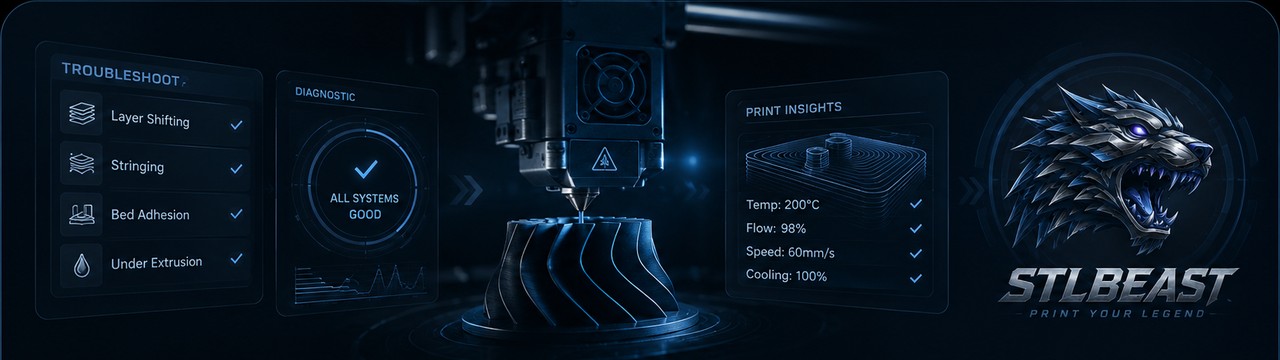
STLBEAST ecosystem
Learn on Hub. Buy and join on STLBEAST.
Hub should never feel disconnected. Every useful guide should point to the right next step: product drops, validated files, member tools, AI Doctor, or commercial-license options.